Share expenses fairlywith friends and groups.
Splex is an open-source alternative to Splitwise. Track shared costs with friends, partners, and groups, use multiple currencies, and run it on your own server if you want to self-host.
Passwordless sign-in · installable · offline expense entry

The expense details people usually argue about later
Splex focuses on the parts that make balances understandable: who paid, who was included, which currency was used, and what changed.
Expense tracking
Record the split, not just the total
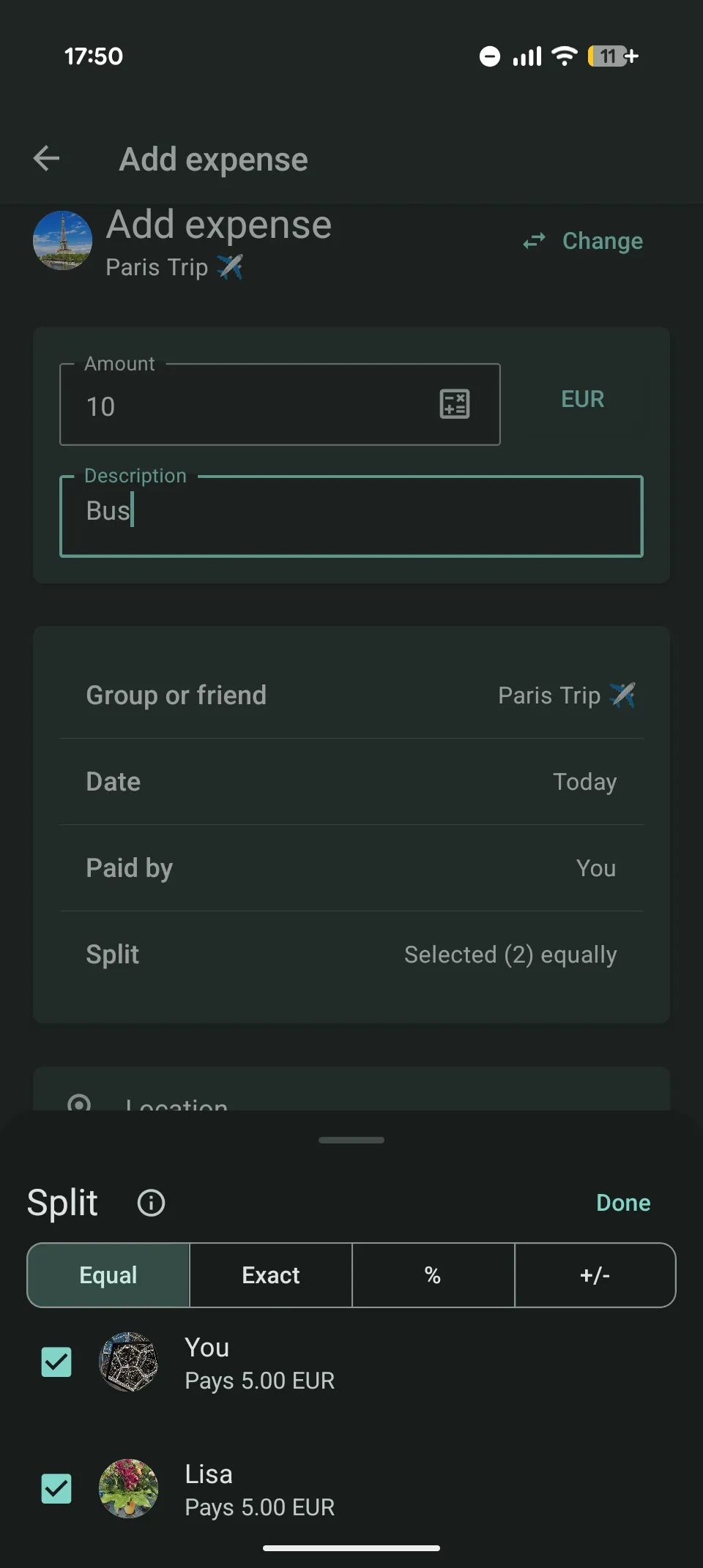
Add expenses in a group or directly with a friend, then choose the split that matches the bill.
- Equal, selected, exact, percentage, or custom-adjusted splits
- Multiple payers per expense (you cover €70, your partner €30)
- Multiple currencies with conversion for the balance
- Attach image or PDF receipts, optionally with a location
- Description suggestions from your own nearby expense history
Quick calculations
Do the math where you enter the amount
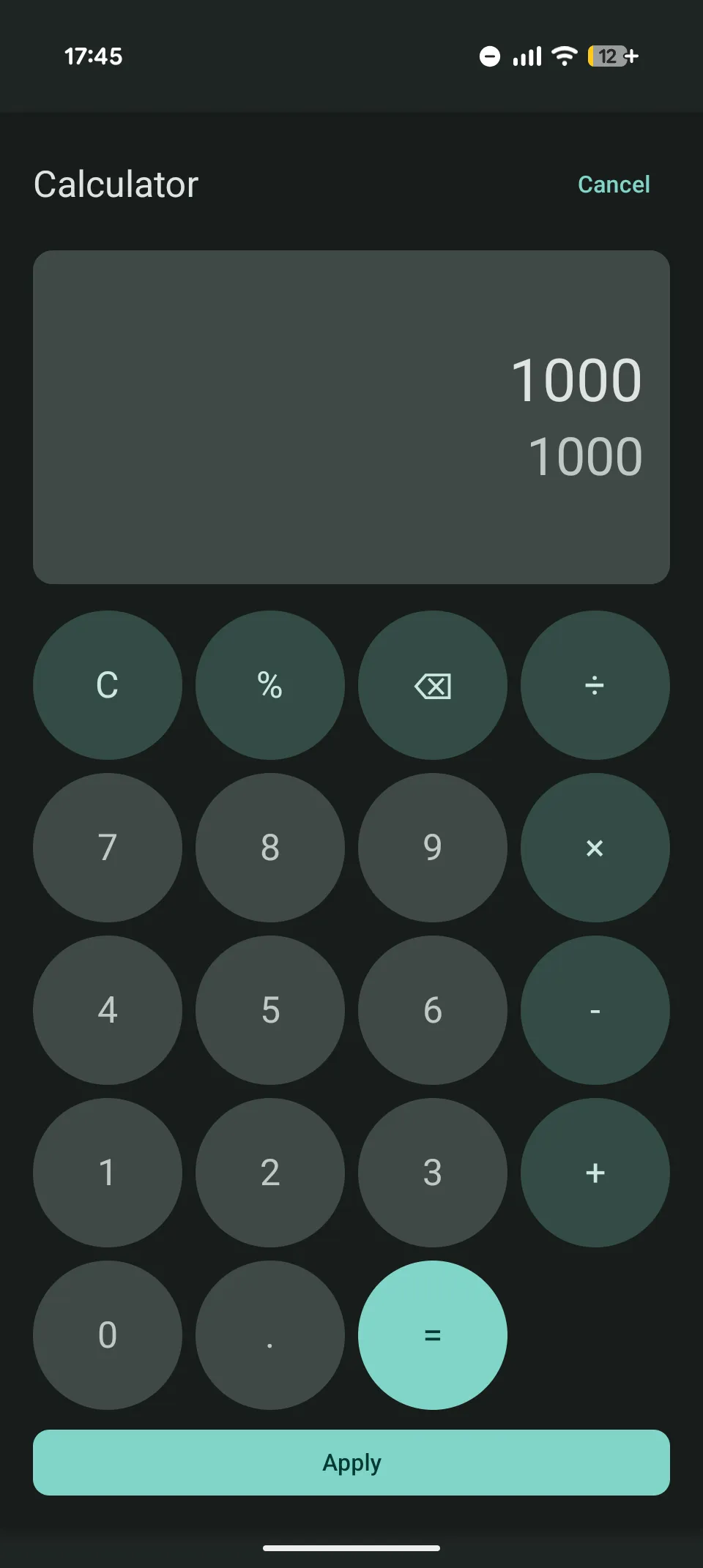
Most money fields include a small calculator, so you can add things up without leaving Splex.
- Calculate totals before saving an expense or settlement
- Useful for receipts, partial payments, and quick ad-hoc sums
- No switching to another app just to check a number
Currency converter
Keep the receipt currency visible
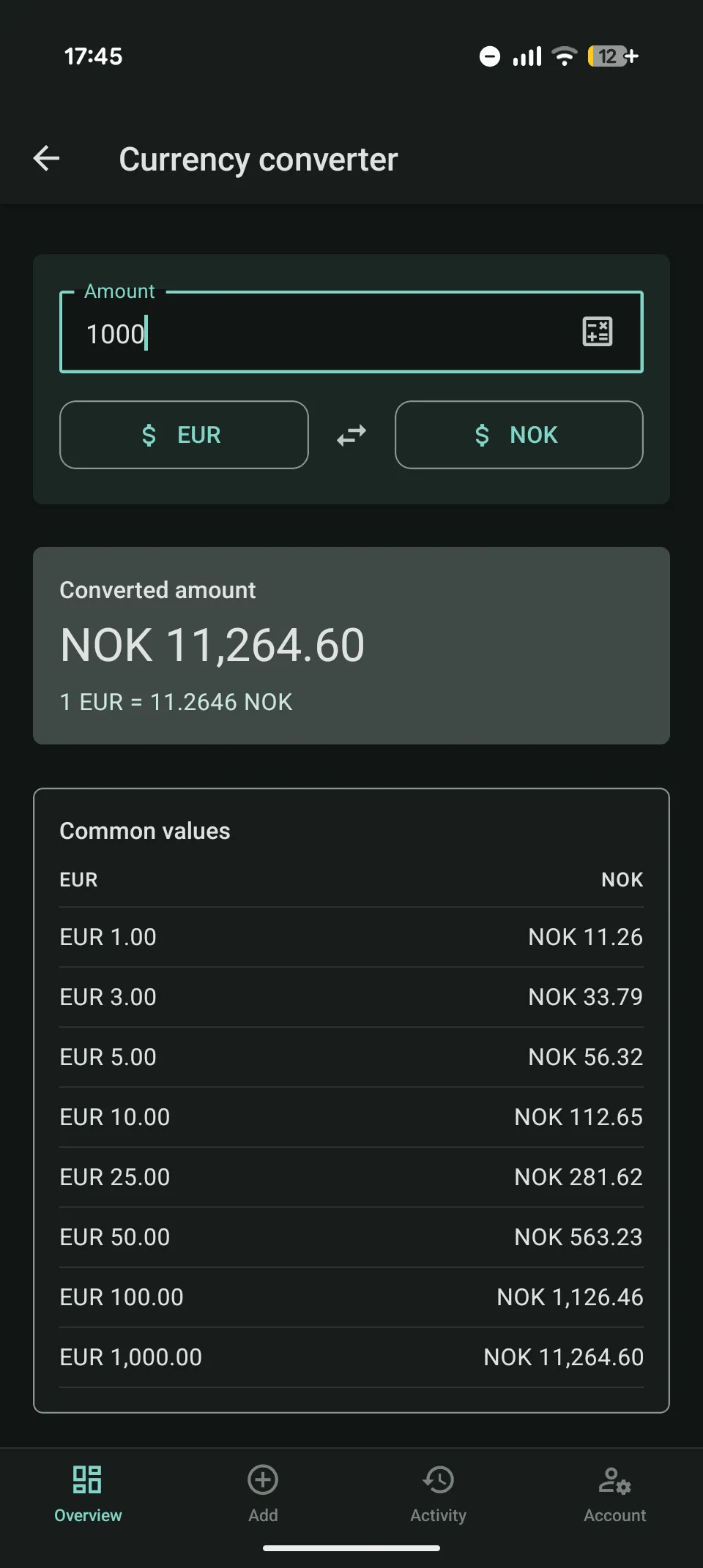
Enter the expense in the currency on the receipt. Splex converts it for the balance and keeps the original amount visible.
- Convert between supported currencies in the app
- Cached rates stay available when you are offline
- Useful when you want to get a better feel for local prices
Balances & settlements
See the balance and the history behind it
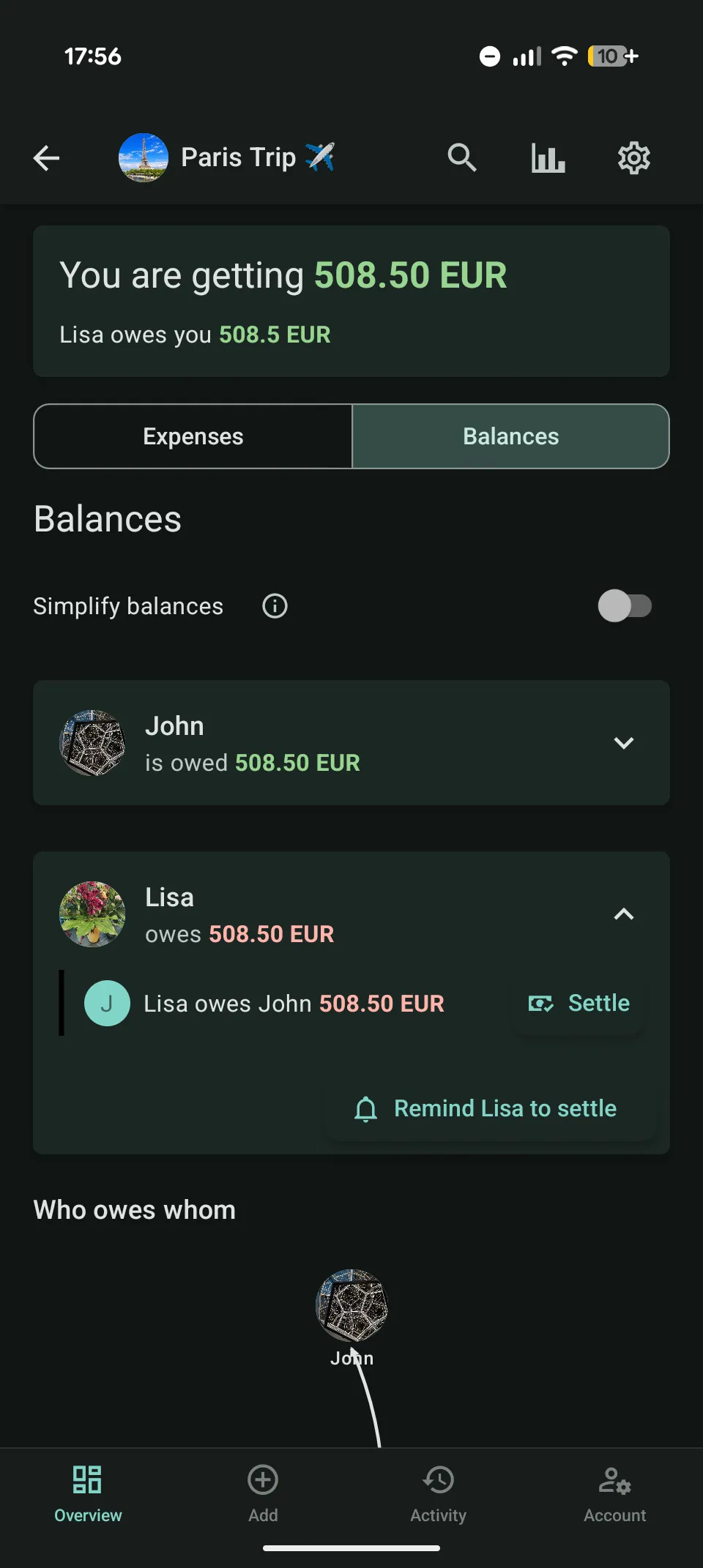
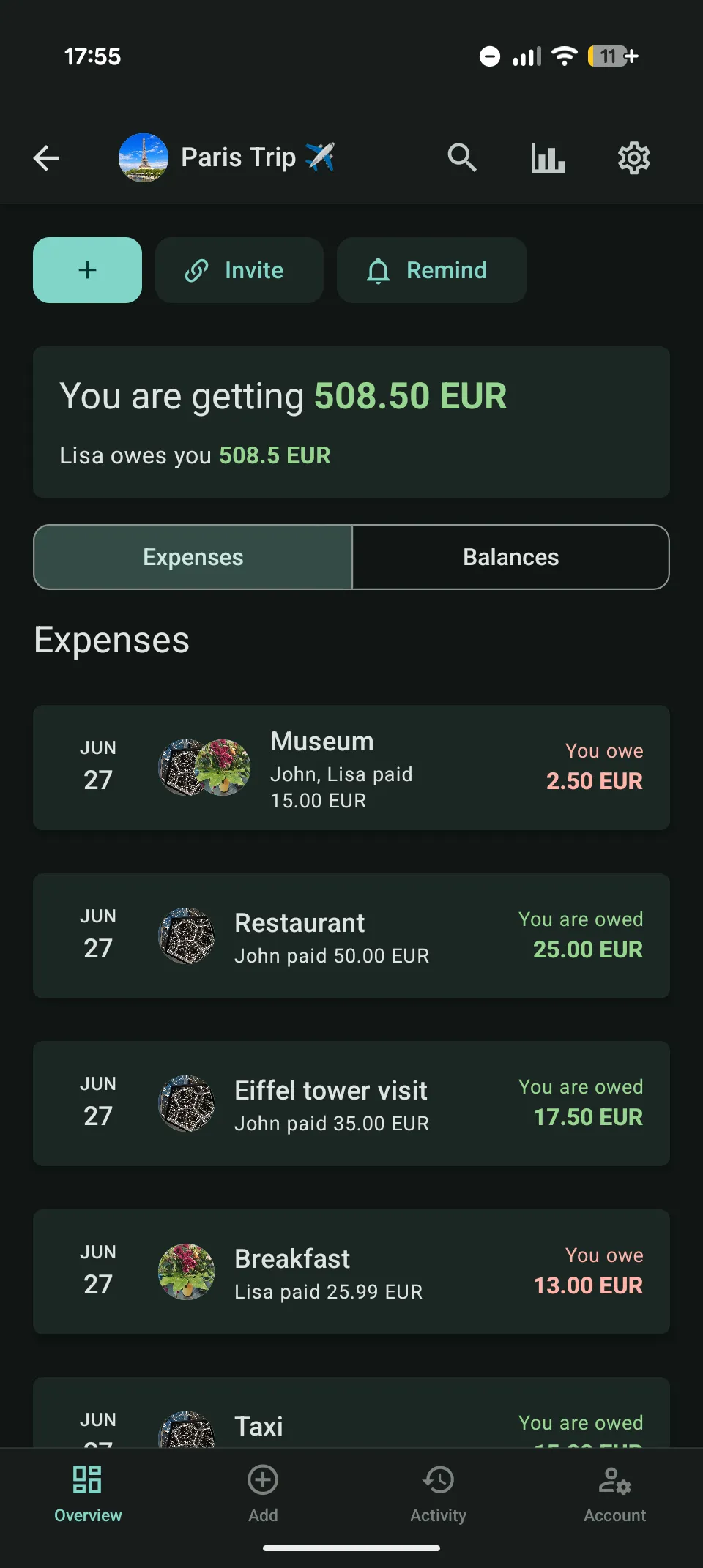
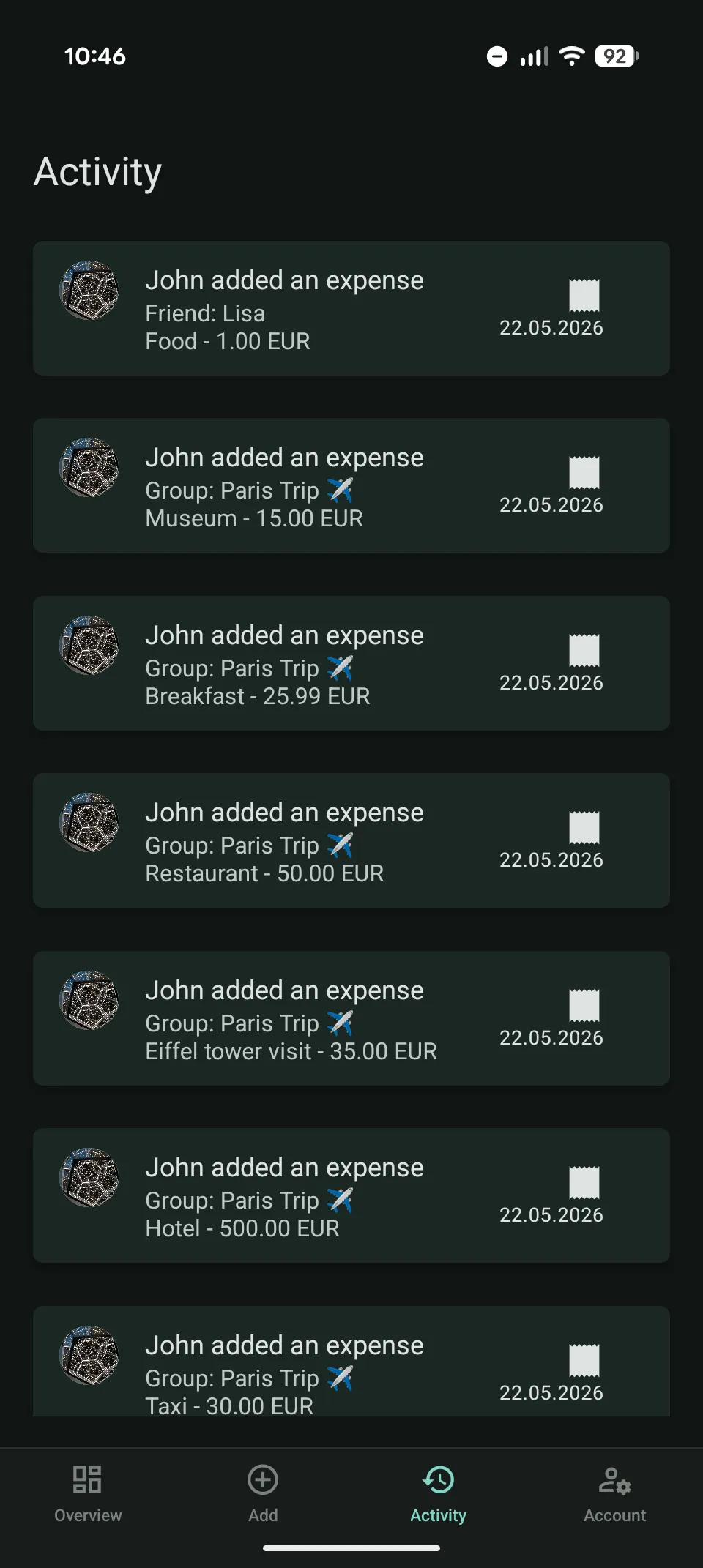
Balances show what is open. The ledger and activity history explain how you got there.
- Current balances and history for every group
- Record settlements and keep balances up to date
- Simplified debts: fewer transfers, same final result
Insights
Use statistics when they answer a real question
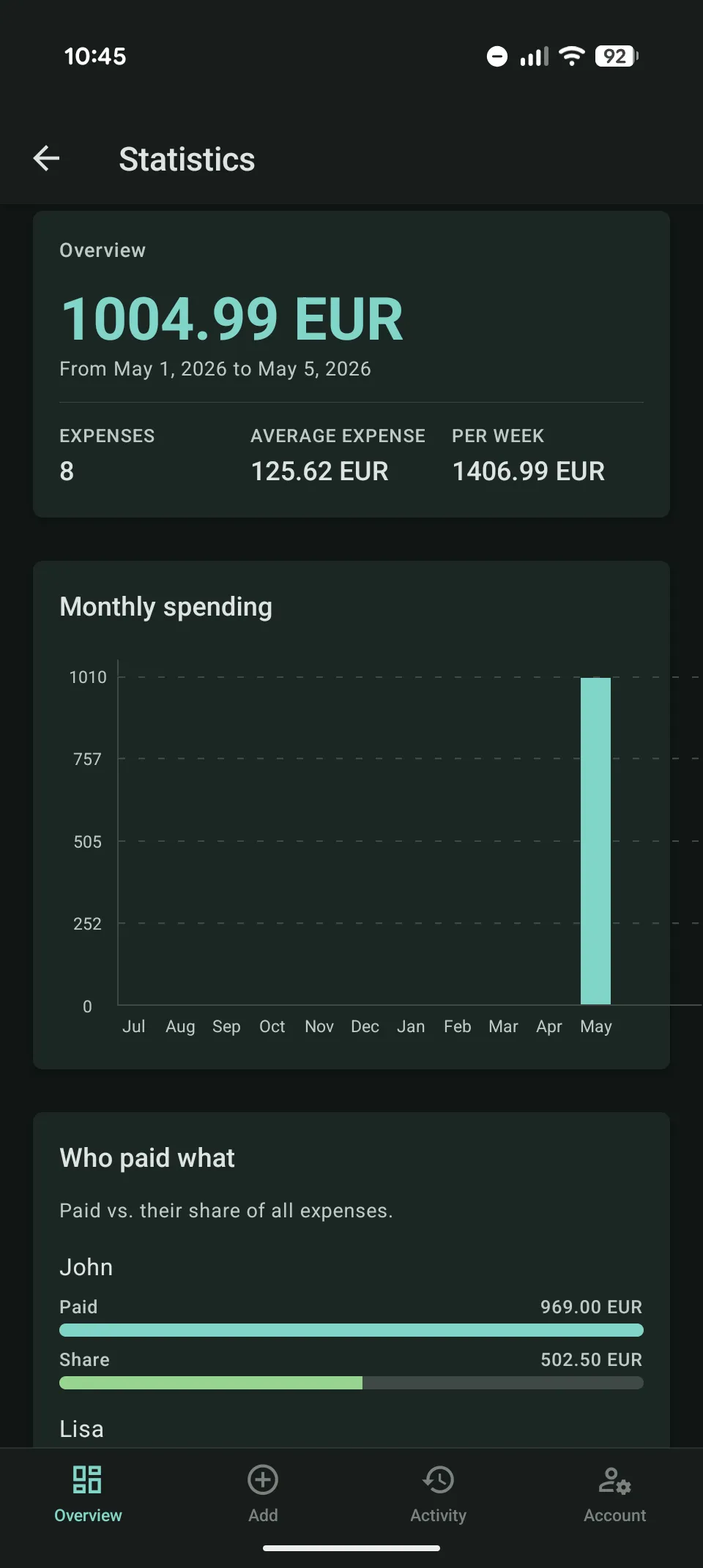
Group statistics are for looking back at what actually happened in a group, not for replacing the expense history.
- Find the largest expenses in a group
- See which currencies and locations appeared
- Spot spending patterns without reading every expense again
Accounts & sharing
Invite people without making account setup a project
Magic links, login codes, and shareable invites keep setup short for friends and group members.
- Magic link or 6-digit code login, no password required
- Optional Google sign-in on web and Android
- Invite friends and group members with shareable links
A closer look
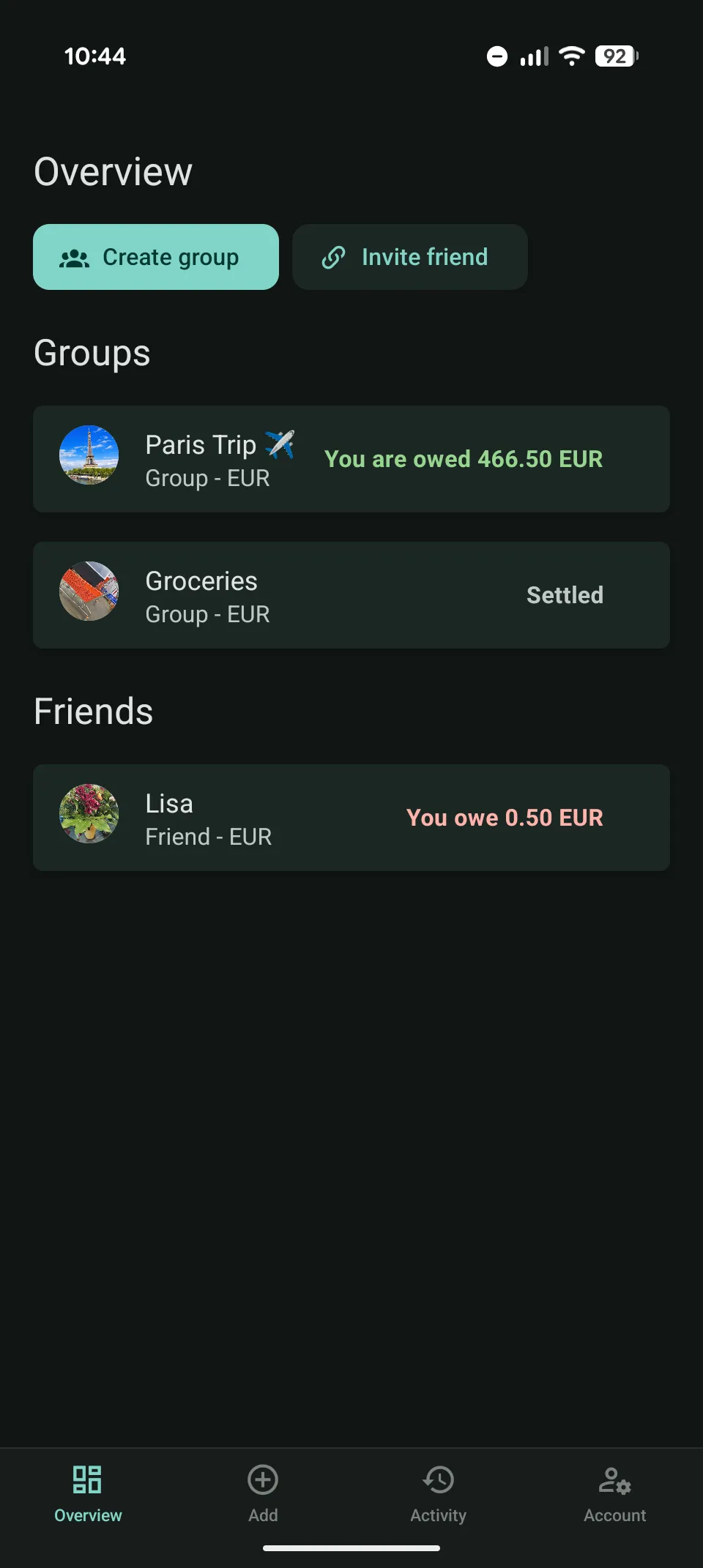
Swipe through the app: the same clean interface on web and Android.
Guides
If you want the details
These pages explain the tradeoffs before you try Splex or run it yourself.
Splitwise alternative
Open-source Splitwise alternative
Splex as an open-source Splitwise alternative: what works well, what is missing, and what to check before you switch.
Self-hosting
Self-hosted expense sharing with Splex
How to self-host Splex: one container, SQLite or PostgreSQL, backups, email setup, and the parts you still have to maintain yourself.
Use case
Group travel expense tracking
How Splex helps groups track travel expenses with multiple currencies, offline entry, receipts, balances, and settlements.
Use case
Shared household expense tracking
How Splex helps shared households track groceries, rent, utilities, exact splits, balances, receipts, and settlements.
Documentation
How the details work in Splex
Start here when you want to know what happens when you archive a group, remove members, invite placeholders, or use cached exchange rates.
Documentation
Friends and groups in Splex
How friends, groups, invites, unregistered members, archives, deletion, leaving, and member removal work in Splex.
Documentation
Currency calculator in Splex
How the Splex currency calculator uses exchange rates, offline cache, daily updates, and stale-rate warnings.
Documentation
Balances and settlements in Splex
How Splex calculates balances, handles rounding cents, simplifies group debts, records settlements, and shows preferred payment methods.
Documentation
Adding expenses in Splex
How expense entry works in Splex: nearby suggestions, calculator fields, currencies, split methods, multiple payers, locations, receipts, and offline sync.
Open source
Self-hosted if you want to run it yourself
Splex is open source. Use the public instance, run your own, or read the code first.
One container
The app, PWA, and API are served from one container. SQLite is the default for small installs.
Data stays where you host it
Self-hosting means your database and uploaded receipts live on your server.
Browser demo
Demo mode uses sample data in the browser, so people can try the interface without creating an account.
Offline expense entry
New expenses can be queued offline and synced when the connection comes back.
Notifications, when configured
Web and Android push can notify users about changed expenses and settlement reminders.
Try Splex
Open the web app, use the browser demo, or install Splex on Android.